
SEO
How to Add More Locations to a Google Business Profile
If your business has more than one real-world location, you can add each one to Google Business Profile so customers can find the right office,


If your business has more than one real-world location, you can add each one to Google Business Profile so customers can find the right office,

Pick a target page, list its “related phrases,” then search your site for those words and add links where they make sense.

Early on, internal links are the fastest thing you fully control. Backlinks are powerful, but harder and slower to earn. Do both, but don’t wait for backlinks to get organized.

Create one main “hub” page for a topic, then write supporting pages that answer specific questions. Interlink them so Google (and readers) see the full topic covered.

Use anchor text that clearly describes the destination page in plain language. Think helpful first, SEO second.

For most posts, 3–8 internal links is a solid range. The right number depends on length and how much related content you have.

Yes. Even small sites benefit from an XML sitemap. It’s not magic, but it helps Google discover URLs and understand site structure.

Yes. Internal links are one of the best ways to help Google discover new pages faster and understand what they’re about.

Paste your URL into Search Console’s URL Inspection tool, then click “Request Indexing.” This doesn’t guarantee indexing, but it often speeds discovery.
Most indexing problems come from one of these: the page is blocked, set to noindex, hard to discover (no internal links), or the content is too thin/duplicate.

It can be anywhere from a few hours to a few weeks. You can usually speed it up by making sure the page is crawlable, linking to it internally, and requesting indexing in Google Search Console.

Broken links can hurt your SEO, confuse visitors, and make your site look outdated. The good news? You can usually fix them with a simple

Boost conversions and SEO with a site speed optimization service. Learn benefits, tools, and expert solutions for faster websites.

Boost site speed, rankings, and sales—discover how a website speed optimization service fixes slow load times and lifts conversions.

SEO (or Search Engine Optimization) is the process of tuning website pages to have a better chance of showing up as top results in searches

Credit Card Decline Messages Note: This article is geared more for companies who run websites and process credit cards through their website where they receive

We have our clients buy their own domain names so they have ownership of them. Having a domain in your name is as important as having

Changing DNS Settings When you switch your website hosting to Webstix, one thing that must be looked at is the DNS (Domain Name Service) settings. DNS

All About DNS If Webstix is going to take over the hosting of your website (and possibly email), then the best course of action is to

Domain Name Transfer One issue that we see come up from time to time is when one of our clients tries to switch their hosting to

You may see an email with this subject line come from your domain name registrar. They have to send the domain owner an email like this

Diagnosing Email Issues Sometimes when we are diagnosing problems with email, we’ll ask you to forward the email headers to us. Email programs typically hide all
Supercharge Your Email! Because people are using all kinds of devices to access email, the way your email is hosted needs to be able to handle

How to Set Up Your Email in Outlook If you are using our email and need to use an email program (client) like Outlook, then here

How Does Webstix Email Work? Email can be a complicated animal sometimes. This article will explain some more about what to expect from an email account

Not Receiving Emails from Website If you have a form on your website – like form on the Contact Us page or an employment application page,
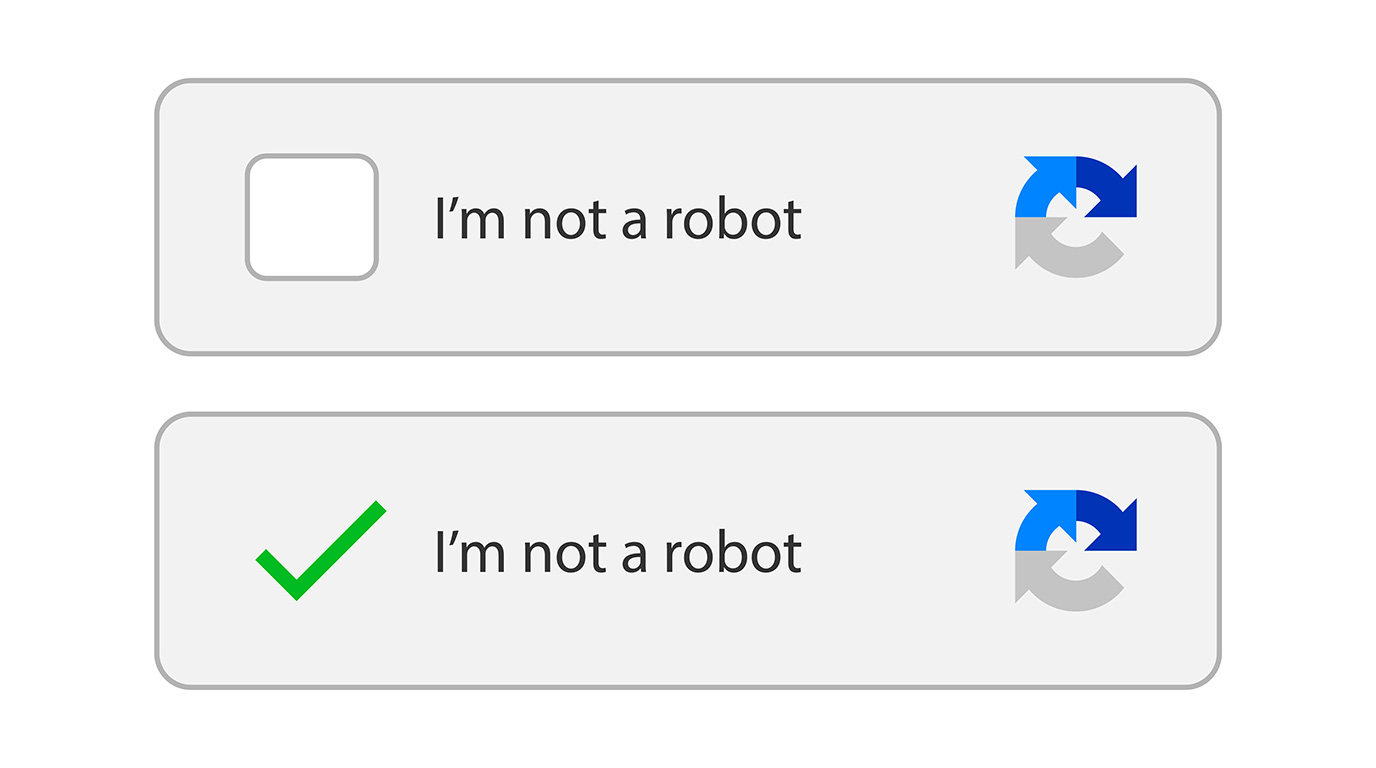
USING FORMS ON YOUR WEBSITE? GOT “CAPTCHA?”
If you website has any kind of form on it, then you will probably encounter “form

Information Required for Setting Up a Form on a Website Your website can have various forms on it like a Contact Us type of form. There

Any website built on a CMS (content management system) like WordPress, Joomla, Drupal, or Magento (among others) do have dashboards where you can login and add,

Our clients need to provide most of the images for a website but stock photography can be used. Hiring a photographer and doing a photo shoot

Website content development is typically done by a Web Copywriter. This type of copywriter specializes in content specifically for websites, focusing on content that can be

Google has recently sent out an email to their Google Analytics users stating that the Remarketing with Google Analytics will soon be enhanced to take advantage

Your Webstix Service Agreement should specify how many pages we’ve estimated your website will need. We often include a number of pages in our basic CMS
One very good and basic computer skill to have is learning how to copy and paste things. This saves you typing and you’re ensured that when

The Website Design Process at Webstix As we go through creating wire frames (which just show layout, no design) and then designs from those wire frames,

Video Shoot Notes Some notes about the video shoot: Please be on time and ready to go when you are scheduled. If you are going to

Webstix Hosting – Using SFTP/FTPS Starting in July 2015, our server just uses SFTP and not regular FTP. This change will make passwords more secure since

What Do You Mean by “URL?” URL stands for “Uniform Resource Locator” and here is the definition from Wikipedia: A uniform resource locator, abbreviated URL, also

Relative Links vs. Absolute Links When working with website and creating web pages, there are two ways to reference an item – an item being a

Use PDFs Instead of Word Docs When posting files for people to download on your website, think primarily about your website visitors. That’s the key. Think

Hello! Thanks for choosing Webstix for your website project! It’s Tony from Webstix and I wanted to welcome you and give you some information about your

Build Your Email Contact List! One of the best ways to build your business is to build an email list of your clients. If you’re not

FTP Access We’re happy to start working on a project with you. We will need FTP access to your website (what is FTP access?) in order

File Transfer Protocol (FTP) for Website Access FTP stands for “File Transfer Protocol” – does that answer your question? Of course not – that’s geek speak.

The Short Answer: To force refresh a page on your desktop computer, Do a SHIFT + Reload Hold down the SHIFT key and click the Reload
Sanitizing Text When Working on Websites Copying and pasting from Microsoft Word is a well known problem using any CMS (WordPress, Joomla, etc.). This issue

E-Newsletters and Your Website Offering an e-newsletter on your website is a great idea – probably a better idea than you think, too! E-newsletters are quickly

Google PageSpeed Optimization Projects When building a website, there are some thing that you might want on your website but if you include them, you’ll have

When people view your website on their phone, you want to make sure they can click (tap) on your phone number and then have it dial
Making a link to an email address is a little different than a normal link. Normal links start with: https:// and email links start with: mailto:

Uploading Images in VirtueMart When creating a product in VirtueMart, you’re able to upload images from your computer (versus choosing from the image library on the

VirtueMart has the option of storing credit card numbers or not. It is best to have this setting turned off and we will only turn this

When creating a product in VirtueMart, you’re able to upload images from your computer (versus choosing from the image library on the server / on your
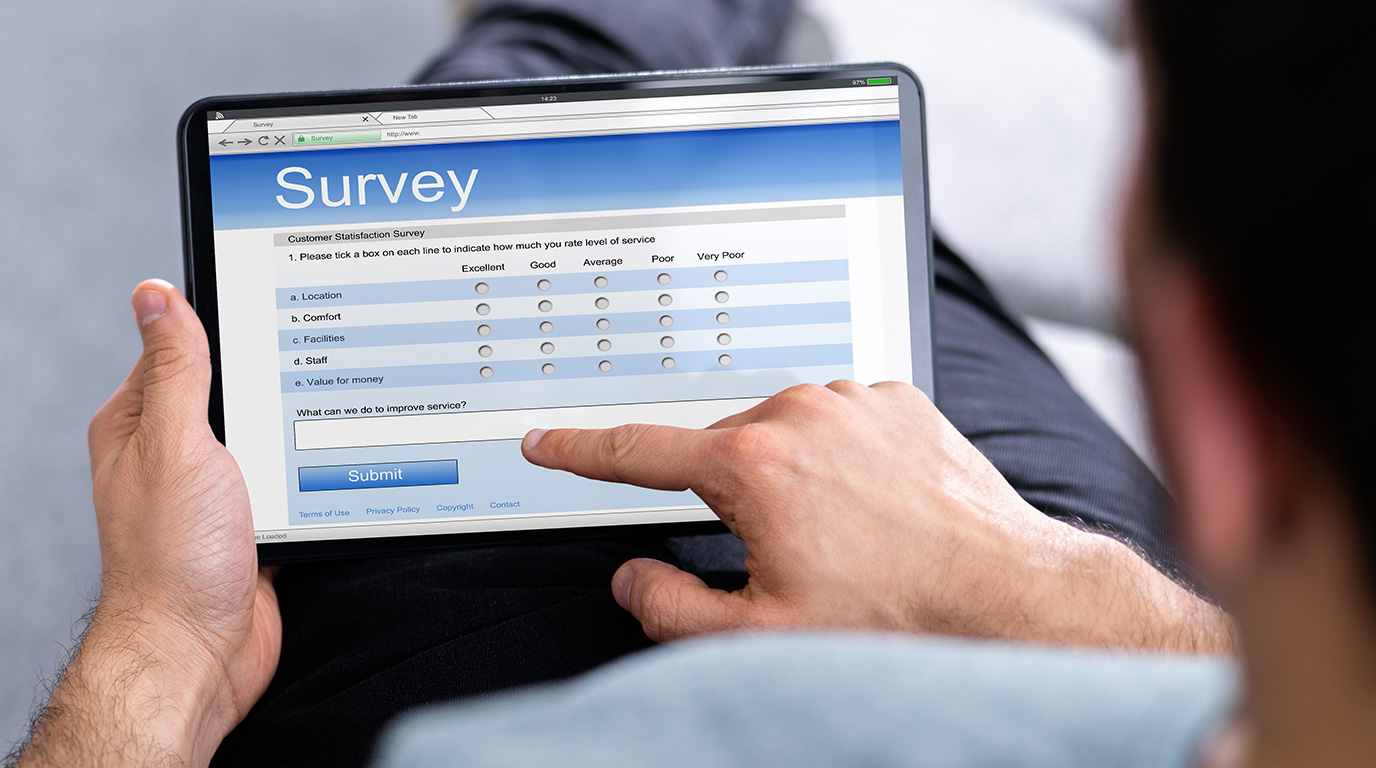
Set up the Poll / Voting Survey Set up a poll by going to: Components > Polls Click “New” at the top right and fill in

Change the VirtueMart Email Account Sometimes you want to change which email account receives the order emails in VirtueMart. You can change this yourself. It’s sometimes

One big feature that’s missing with Joomla is an archive of previous versions of pages. WordPress has this feature but it’s not glamorous – it could

Joomla, by default, tries to cloak email address that it finds in content so that spambots searching websites to harvest email addresses can’t find them (side

If you are trying to work on a page on your Joomla website and it’s saying that it’s locked by another user, then you will have

Procedure #1: Login to the admin panel. Navigate to: Catalog > Attributes > Manage Attributes using the top navigation bar. Find the attribute “manufacturer” and click

Magento uses a powerful technique of indexing to revolutionize data such as product, category details, and so on, to increase the performance of the online store.

To add a new portfolio, follow these 2 steps: Create a new photo gallery block Call the photo gallery block Procedure I: Create a new photo

Login to admin panel Navigate to Catalog > Manage Products Click Add Product button on the right side of the screen Select Attribute Set as

Follow these steps to add a new testimonial: Log in to the admin panel Navigate to CMS -> Testimonials There you can see the list of

Please follow these instructions: Login to Magento Admin Panel with the login credentials of your online store Navigate to CMS -> Blog Pro -> Add Post

Instructions to add a new page: Login to the Magento admin panel Navigate to CMS -> Pages Click on Add New Page on the top right

Log into your Magento admin panel Navigate to CMS -> Static Blocks Click Add New Block in the top right corner Give your block a

Instructions below to add a menu item: On the Admin menu, Navigate to Catalog -> Manage Categories. First you have to choose/click a category. If you

Major update on the Google Maps Platform Google has launched a major update to the Maps API platform in 2018. Google changed it to premium plans.

Blog/News Content for Your Website You might have a Latest News feature on your website it might be called a blog. Either way, it’s really the

Our Testimonials Module When you order the Testimonials module/widget for your website, it’s a group of testimonials from your customers about your business that randomly appear

Our “Did You Know?” Module When you order the “Did You Know?” module/widget for your website, it’s a group of facts/factoids about your business that randomly

Make Sure You Have the Right Listing Claimed It’s really important that your business only has one Google Plus account and that it’s the right one.

How to Link a Google AdWords Account for Review Write down the account number in the top of your AdWords screen where it says “Customer ID

Facebook Like Button for Your Website It’s good to have a Facebook “Like” button on your website so that people can like your website / web

PayPal Express Checkout PayPal Express Checkout gives your customers the ability to choose PayPal payment during the checkout process. Your customer is redirected to the secured

If you are going to use PayPal’s Payflow Pro as your payment gateway provider, then we will need a few things from you in order to

Make Sure Your Payment Gateway Works With a Live Transaction When your website launches or if we have done any changes to a payment/donation form on

What is a Payment Gateway? In short, a payment gateway is a bridge from the online world to the banking world. The two are not inherently

Sign Up for Authorize.net You can do it a number of ways. You can either go through your bank or else start right now, right here:

Take Credit Cards Online Being able to take credit card payments online can seem a bit confusing. This article will try to explain thing a bit.

What We Need to Set Up Authorize.net for You If you are going to use Authorize.net as your payment gateway provider, then we will need a

Below are the requirements we’ve received from a vendor that provides merchant services. They need to check your website for these thing (all or most may

A payment gateway is a link from the online world to the banking world. It is what is needed so that your website can talk to

PCI Compliance In the world we live in today, having a website and server that’s secure is necessary. If you’re running a website that has e-commerce,

My New Website Launched, How Come I See the Old One Still? This happens from time to time and we do our best to help our

Good question. First, let’s quickly discuss why you might not want to do this. With most, if not all, websites we set up, the home page

Google Maps is a Web-based service that provides detailed information about geographical regions and sites around the world. The Google Maps Platform is a set of

Google My Business is a free tool that helps small businesses create and manage their Google listings, which appear when customers find businesses on Google search

Give Webstix Access to Your Google Search Console Account If you’re having Webstix do SEO work on your website, we’ll need to get added as a

Why Page Redirects are Kind of a Big Deal We do a fair number of projects for new websites under new domain names but most projects

Project Scope As we work on a website project, some changes can happen. This is actually pretty typical. As the pieces come together, new ideas come

If your new website is going to use a slide show on the home page, then there are a number of things you should know. First,

Google Analytics Access For us to adequately give you advice about your website and monitor its success, we need access to your Google Analytics account. All

Ok, What are You Talking About? Do you mind if we get a little technical for a minute? As you’re aware, website technology is always evolving.

How to Send Your Content to Us It’s best to start working on your content (copy/text and images) as soon as you can. Getting content from

Get Us Your Logo Files Webstix needs your company logo for your website project or maintenance work. Here is some information about your logo, how we’ll

Sales Tax Settings In Your Cart When we work on your shopping cart for your website, there are a number of things we need to know

Sending Large Files to Us (or Anyone) Sending large files over email can be a problem sometimes. Outgoing email servers might have limits or there could

Viewing Websites Before Launch Sometimes, when launching a new website, the new website is on a new hosting account or on a new IP address. Launching

Website Fonts Can my site have fonts? Fonts are defined in the style sheet (template) of the website and that’s so that you don’t have to

Why Do Email Marketing? Your email list is gold… seriously! People sign up and they want to hear from you because they’re interested in your products

USPS Online Tools If we are calculating the shipping rate for the cart dynamically, we need to get the shipping rate for the products from the

UPS Shopping Cart Integration To have your website shopping cart connected with UPS shipping, we need the following: 1. Sign Up at UPS First, go to

You should have a privacy policy on your website. It explains to people visiting your site what you do with any information collected about that. When

When working on projects, we only accept documents in electronic format. This saves time and mistakes. If we need to type a document, then we need

When starting a project for a client, we like to know some color preferences. This helps our design team craft a website around your company’s image.

What is Story Boarding a Website? Story boarding is essentially the blueprints. It is a basic level prototype which has a series of pages showing how

Slow Loading Websites Can Have Problems At Webstix, we do original website design work but sometimes we get designs from clients that they want turned into

The Website Isn’t Up! Note: This article isn’t written specifically for Webstix clients – it’s written for a general audience. If you are one of our

Website Redirects In the Web world, there is a kind of redirect called a 301 redirect. This kind of redirect tells search engines that the redirect
Web Browser Compatibility With Websites We Develop Does Webstix Support All Web Browsers? OUR POLICY: We will only support the latest version and only one previous

Troubleshooting Website Issues There are a number of popular web browsers out there along with different versions and different operating systems. Sometimes, the coding of a

How to Create a Screen Shot Sometimes it’s much easier for us to see what’s going on and what you’re talking about by seeing what’s on
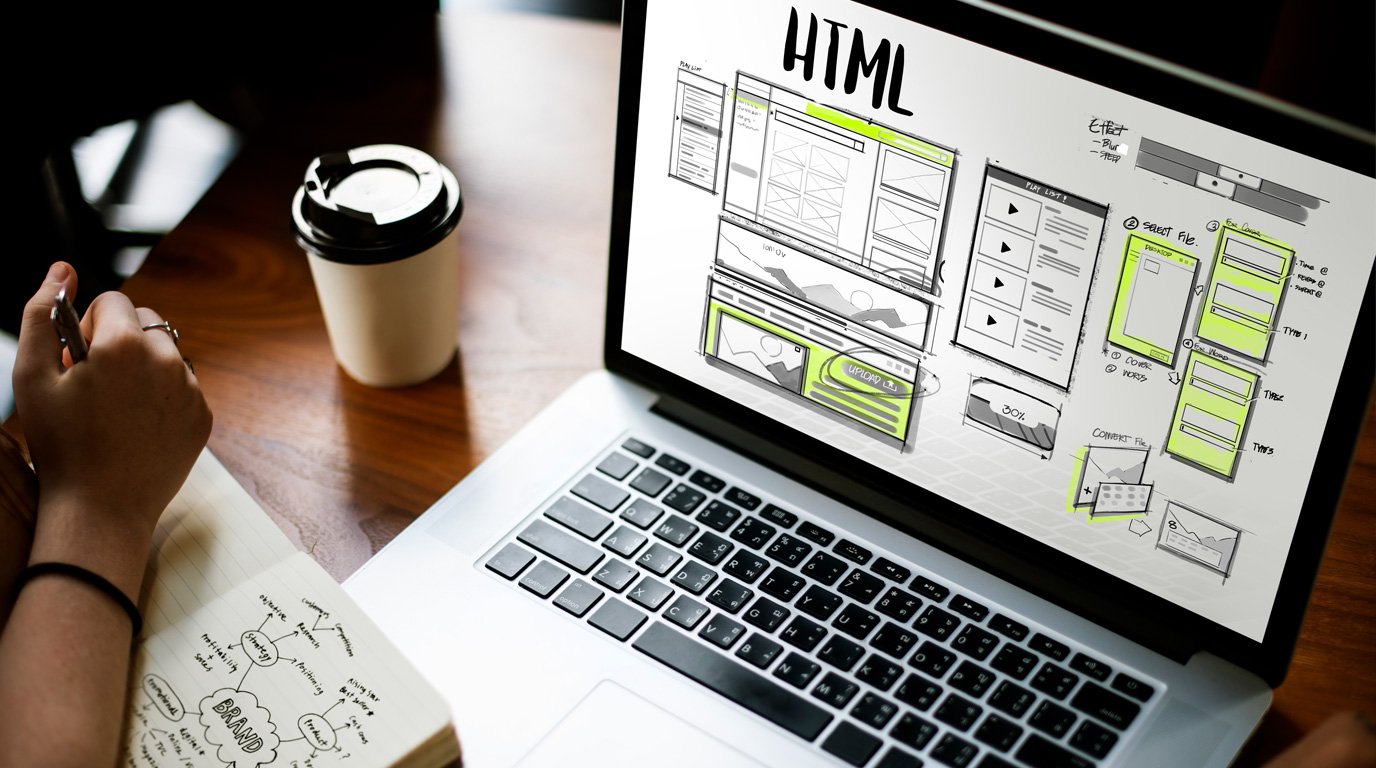
A typical website project is 8 to 12 weeks to go through planning/discovery, design, coding, content, and testing. Some projects may go longer if there’s e-commerce

Wireframes show layout – more specifically: What the page will contain Where each item on a page goes About how much room each item will use

Paid website design typically costs between $2000 and $10,000 for most projects. The size of the website matters along with additional features like photo galleries, forms,

You should not get a cheap website because you get what you pay for – you’ll get a cheap website. There’s a lot of technical and

Very often, the first impression of your brand is your website. The design of the website must: Load properly on whatever device is being used Clearly

Are web design and web development the same? Web design is the style part of the website, and web development is the HTML/CSS coding along with

To answer this question can be a little complicated and difficult to understand if you’re new to the website design process, so we’ll explain this a

Your website can be hosted with a web host or sometimes your web developer offers hosting. A website can be hosted at any website host that
Delegating Access From GoDaddy A good way to give access to a GoDaddy account without handing someone your own username and password is to use the

How to Move Website Hosting From One Host to Another One question we sometimes get is how to transfer a website from another host over to

The Pros and Cons of a Dedicated IP Address for Hosting A long time ago, every website out there needed its own IP address on a

When talking about making a website secure, what that usually means is encrypting the connection between the web server and the computer accessing the website. This
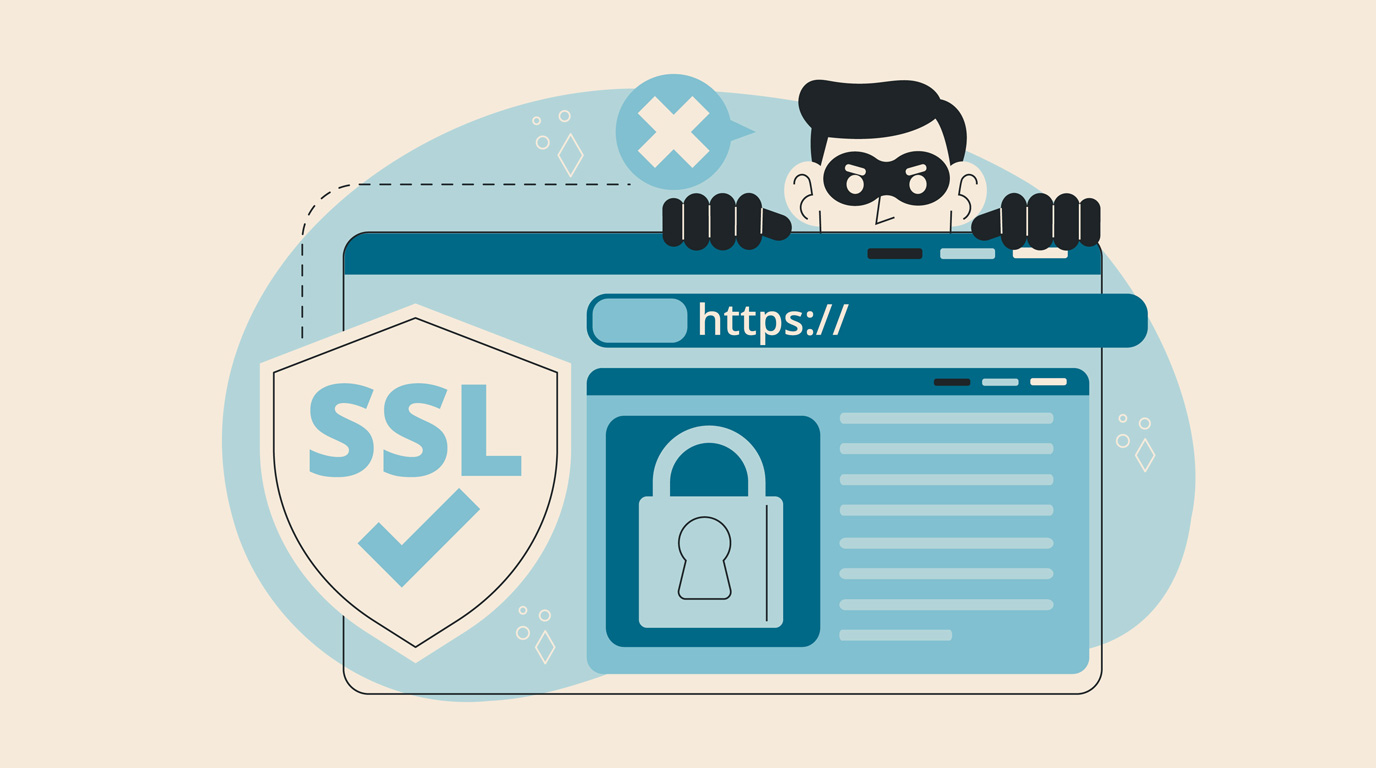
Website Certificates This article will explain the different kinds of certificates available for website encryption. It’s important to note that certificates just encrypt the transmission of

Complete All Steps Every Time You Renew Your SSL Certificate If you are a website hosting client of ours and we’re handling your SSL certificate, then

Clashes With Web and Email Hosts In a perfect world, everything would just work. Unfortunately, this world we have isn’t perfect, so there will be problems.

Choose Your Hosting for WordPress Websites If we’re building a WordPress website for you, you have some hosting options. WordPress is Software First, you should know

“Where is This Site Hosted?” One issue we often run into is that we get new clients who become responsible for their websites but they don’t

If you are transferring a website to Webstix, there are a few things we need in order to get your website set up on our hosting.

SSL Certificate and Website Security If your website performs any e-commerce or asks website visitors to submit any kind of sensitive information, then you will want

Question: How do we find out if it is encrypted or not? If it’s not encrypted, what would be the cost and process to do so?

Well, yes and no. There’s network security and application security.
With network security, which is the encryption used in SSL certificates (if your website is set

Great – we’re glad to have you as a web hosting client. Here is what we need to start setting things up: Contact Information – The

I Do Not Wish to Have Webstix Host My Website. What Do I Need to Provide?
Most of the websites we create use PHP

Probably the most complex task about owning and running a website is working with images. You need your website to load quickly and work well on

When building a web page for your website, how it’s laid out is important. More importantly, you need to have good images but how do you

Converting Images / Designs from a Web Format to a Print Format
If you need your images that we’ve designed for your

Getting Video Onto Your Website Video is great. You can say a lot with video and because there’s sight and sound, you can better create an

YouTube Suggested Videos Show at the End of the Video If you have embedded YouTube videos on your website, you’re enjoying the benefits of everyone being

Post Videos on YouTube or Host Videos Yourself? Having videos on your website is a good idea. Well made videos can clearly explain your products or

Add a New User on WordPress Adding more users to your WordPress website is an essential task for business owners who want to collaborate with a

WooCommerce has a guide on how to set up automatic sales tax collection here: Setting up Taxes in WooCommerce (docs.woocommerce.com)

Many websites we build now for our clients use WooCommerce inside WordPress. It’s popular e-commerce software and work well. It works so well that WordPress actually

Be Careful Uploading Images to WordPress What WordPress does is create several images for each image you upload. They might be sizes like 600 pixels wide,

Here are some video tutorials that explain how to add/edit/manage NextGen galleries in your website: 1. Adding Images and Managing Galleries: https://www.youtube.com/watch?v=8ZWtks0hW3c 2. NextGen Gallery –

WordPress Training and Video Tutorials There is a lot of training and help for WordPress online by just doing some searches but here are some resources

What is the Difference Between a WordPress Page and Post? In WordPress, you can publish either using posts or pages. It might be confusing which one

What to Know When a WordPress Upgrade Comes Out At Webstix, we keep up on when upgrades to software come out. It’s, of course, important to

Social Media
Give Us Access to Your Facebook Account
Facebook Branding If you have Webstix work on your business Facebook page, we’ll need to be added as an Admin for the page. To give us
Get Us Your Links to Facebook, Twitter and LinkedIn
Link Your Website to Social Media It’s a good idea on most websites now to have links to your Facebook, Twitter and LinkedIn accounts. People could