


How to Link a Google AdWords Account for Review
Write down the account number in the top of your AdWords screen where it says “Customer ID #” (10 digits) and email that number to us. We will then generate an e-mail for you to approve us as an admin to review the campaign(s) in the account (it’ll come from Nick).
Login to Google AdWords with your account:
https://www.google.com/adwords/
You must be an administrator on the account and accept the invitation by visiting:
My Account > Account Access
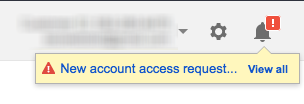
Next, you will receive an account notification in your account in a short time later:
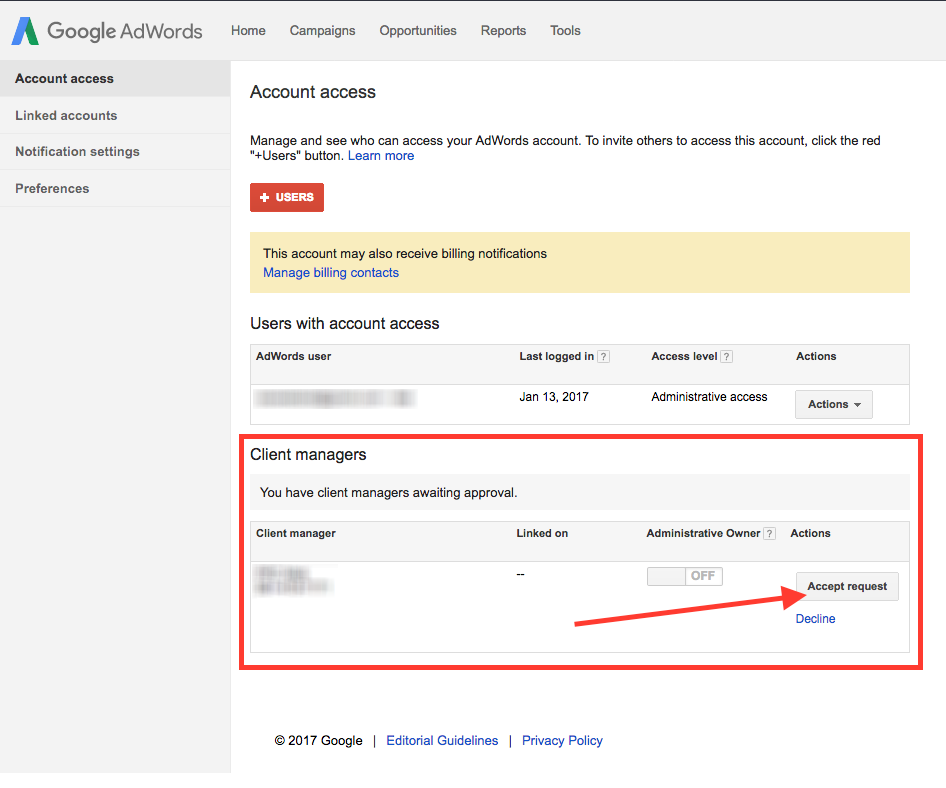
Click on that notification and then approve the request:
From there, we will review what is working well and what can be improved.