

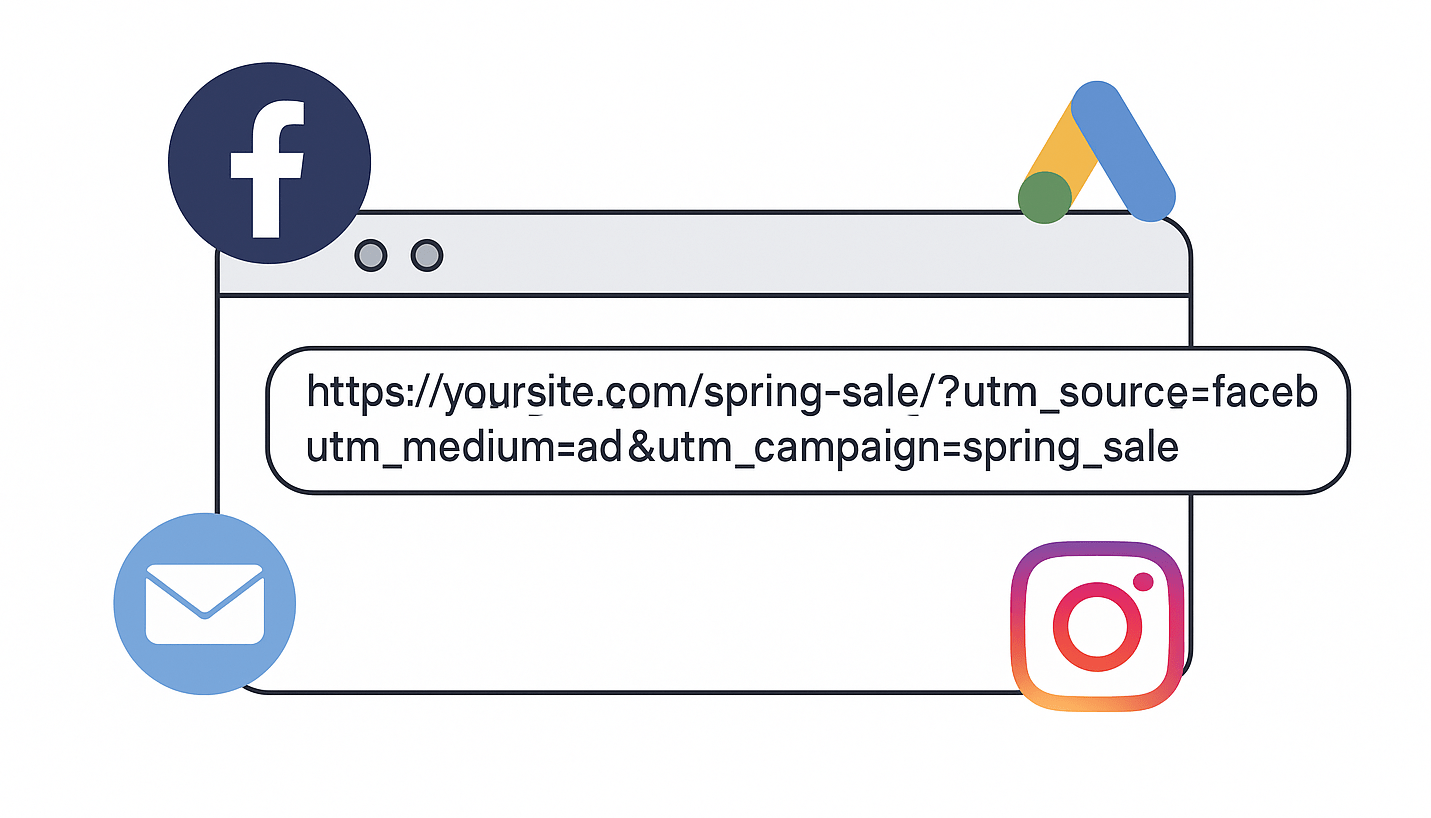
If you’re running ads online—on Google, Facebook, Instagram, or even in email campaigns—it’s smart to track where your traffic is coming from. That’s where UTM codes come in. They’re simple tags you add to your links that help you see which ads or campaigns are actually driving results.
What is a UTM Code?
UTM stands for Urchin Tracking Module (yes, it’s a weird name). In short, it’s a set of parameters you attach to a URL. When someone clicks your UTM-coded link, those parameters get tracked in tools like Google Analytics.
Here’s an example of a basic UTM-coded link:
https://www.example.com/page/?utm_source=facebook&utm_medium=ad&utm_campaign=spring_saleWhen someone clicks this link, you’ll see their visit in your analytics, tagged with:
- utm_source: Where the traffic came from (like Facebook, Google, Newsletter)
- utm_medium: What type of traffic it is (like ad, email, cpc, banner)
- utm_campaign: Which campaign or promotion it’s part of (like spring_sale, july_discount)
How to Build a UTM Link
Use Google’s free Campaign URL Builder. Just enter your destination URL and fill in the fields. It will generate a full link you can copy and use in your ads.
Example:
Let’s say you’re running a Facebook ad promoting your spring sale page. You might fill in:
- Website URL:
https://yoursite.com/spring-sale - Campaign Source:
facebook - Campaign Medium:
ad - Campaign Name:
spring_sale
The tool will give you a full link like this:
https://yoursite.com/spring-sale/?utm_source=facebook&utm_medium=ad&utm_campaign=spring_saleWhere to Use UTM Links
Anywhere you’re linking back to your website in a campaign:
- Facebook or Instagram ads
- Google Ads (paste them into the final URL)
- Email newsletters
- Partner sites or influencer campaigns
- QR codes (great for offline tracking)
Where Do You See the Data?
In Google Analytics, go to:
Reports > Acquisition > Traffic acquisition
You’ll see traffic sources broken down by source, medium, and campaign.
Tips for Using UTM Codes
- Be consistent with naming. Use
emailorad, not both in different places. - Use lowercase to keep tracking clean.
- Don’t use spaces—use underscores
_or dashes-. - Avoid UTM codes on internal links (it can mess with your analytics).
Final Thoughts
UTM codes are simple but powerful. They help you see what’s working and what’s not in your online marketing. If you need help setting them up, let us know—we’re happy to jump in and assist.
Checklist Download (PDF)
I put together a checklist to help you when you’re creating links (no email required):